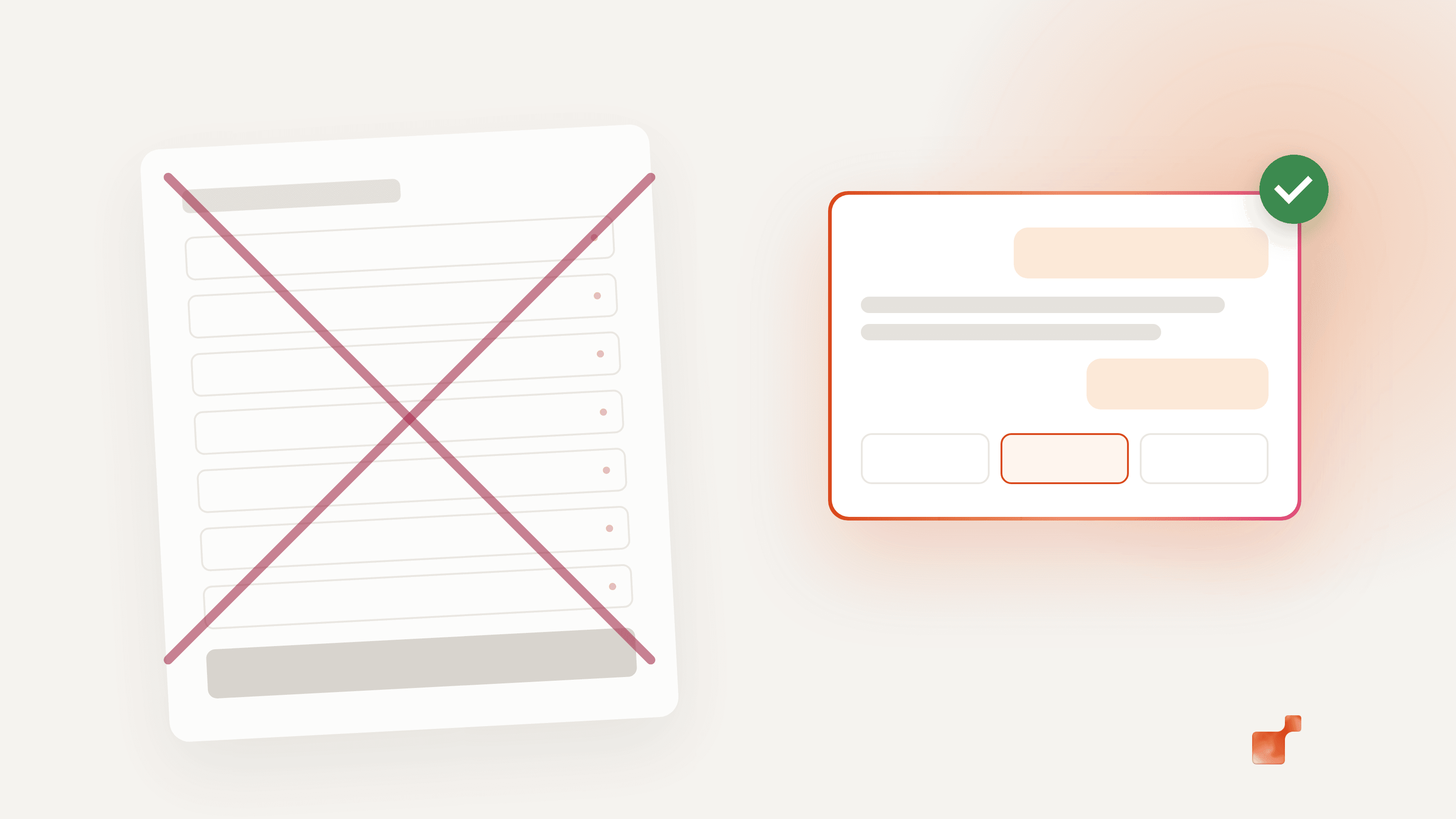
A demo request form looks harmless: a few fields and a button. But it asks for seven things before giving anything back, and the one question the visitor came with never gets asked. That's why it is often the page where B2B websites lose the most interested visitors.
This article is part of our guide on how to improve your B2B website conversion rate. Here we focus on one lever: the form.
What the form asks vs. what the visitor wants
Put the two lists side by side.
What a typical "Book a demo" form asks:
- First name, last name
- Work email, phone number
- Company, company size
- "How did you hear about us?"
What the visitor actually wants to know:
- Does it work with our tools?
- How much for a team our size?
- How long does it take to set up?
- Is it worth a 30-minute call?
The form answers none of these. It asks the visitor to commit before they know if it's worth it.
5 reasons demo request forms underperform
1. They ask before they give
Seven fields is a lot of effort for someone who doesn't know yet whether you're a fit. The more you ask upfront, the more people leave, especially the ones who were only one answer away from booking.
2. They hide the real question
The visitor came with a question. The form has no field for it, or puts it in an optional "Message" box at the bottom. Your sales team then starts the call without knowing why the person came.
3. They lead to silence
After "Submit", most visitors see a thank-you page and nothing else. Then they wait. On average, companies take 42 hours to respond to a web lead (Harvard Business Review, 2011, 2,241 companies). By then, they've looked at your competitors.
4. They only catch the ready-to-buy
A form works for the few visitors who already decided to talk to sales. Everyone else, those still comparing and still unsure, has no way in. And they're the majority: 67% of B2B buyers prefer a rep-free experience for at least part of their purchase (Gartner, 2026).
5. They give sales no context
A form tells your sales rep who the person is. Not what they read, not what they hesitated on, not what they asked. The call starts from zero.
If you keep your form: 6 fixes
Sometimes the form has to stay. Here's how to make it lose fewer people:
- Cut the fields. Keep a work email and at most one qualifying question. Find the rest later.
- Add a "What would you like to know?" field, and make it the first one, not the last.
- Say what happens next, right above the button: "You'll pick a time on the next screen" beats "Submit".
- Show the calendar right after submission, so the visitor books a slot immediately instead of waiting for an email.
- Answer the common questions next to the form: pricing range, setup time, integrations. Fewer doubts, fewer exits.
- Follow up within minutes. Responding in 5 minutes rather than 30 makes it 21 times more likely that you qualify the lead (Lead Response Management Study, MIT and InsideSales.com, 2007).
Replacing the form with a conversation
The alternative is to reverse the order. Instead of asking first and answering later, you answer first and ask later:
- The visitor asks their question, in their own words.
- They get an answer right away, from your own content.
- When they want to go further, meeting slots appear in the conversation.
- They pick one. The email is asked last, to send the invite.
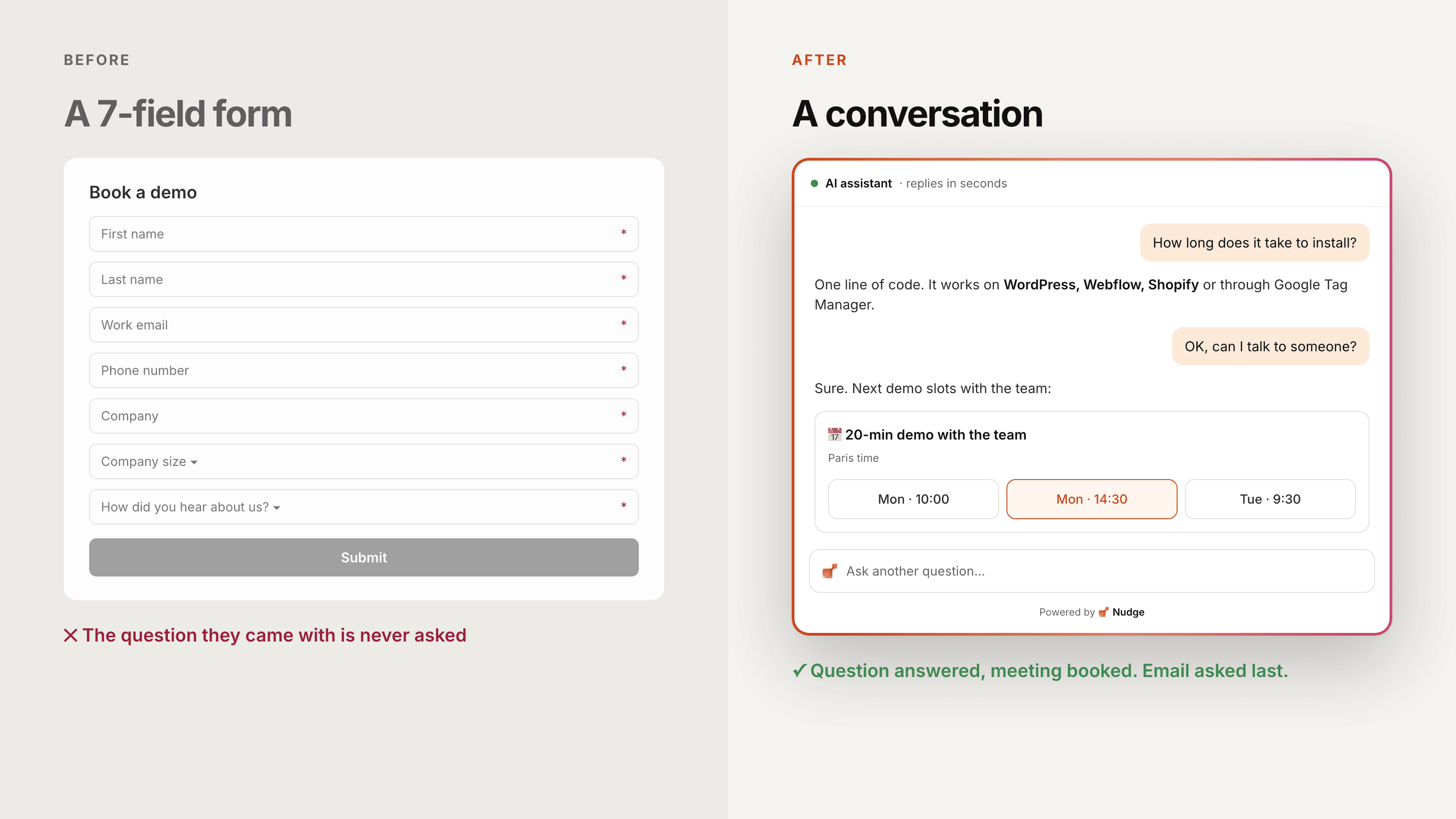
This is what the Nudge Website Agent does. It is trained on your pages and documents, says so when it doesn't know instead of making something up, and books the meeting in the conversation, with the invite sent to your team's calendar. Your rep starts the call knowing exactly what the visitor asked.
When a form still makes sense
A conversation doesn't replace every form. Keep one if:
- your buyers send formal RFPs or need to attach documents;
- your sales process requires specific information before any call (compliance, regulated industries);
- the page is a support or job application form, not a sales one.
In every other case, ask yourself one question: does this form help the visitor, or only us?
To go further, read the full guide: how to improve your B2B website conversion rate.
Frequently asked questions
How many fields should a demo request form have?
As few as your sales team needs to prepare the call. In most cases that is a work email and one qualifying question. Everything else can be asked during the conversation or found later.
Is a chatbot better than a form?
Only if it answers. A bot that asks the same seven questions as your form, one by one, is just a slower form. What makes the difference is answering the visitor's question first, from your own content.
Should I remove my form completely?
Not always. Keep it if your process needs it (RFPs, compliance, enterprise purchasing). Just don't make it the only way to reach you.
What should happen right after a form submission?
The visitor should see what happens next and, ideally, pick a meeting slot on the spot. On your side, the follow-up should go out within minutes and mention what they were looking at.