Most B2B websites don't have a traffic problem. They have a conversation problem: visitors arrive with a question, find no answer, and leave. To improve your website conversion rate, start there, before redesigning anything or buying more clicks.
This guide covers what a "good" B2B conversion rate looks like, why most sites fall short, and the 7 levers that make the biggest difference, in the order to pull them.
What is a good B2B website conversion rate?
There is no single number, because everyone counts something different. Three benchmarks are worth knowing, along with what they actually measure:
- Unbounce (2024): SaaS landing pages convert at a median of 3.8%, against 6.6% across all industries, based on more than 57 million conversions. (source)
- Ruler Analytics (2026): 5.13% on average across 13 industries, and 7.6% for software. Here a conversion includes form submissions, calls and live chat. (source)
- First Page Sage (2026): conversion rates by channel, based on its own clients. Organic search traffic converts at 1.9% for B2B SaaS. (source)
Whichever number you pick, the conclusion is the same: more than 9 visitors out of 10 leave without contacting you. And most of them were not "just browsing".
Why it matters more than ever
B2B buyers now do most of the work before they talk to anyone:
- 94% of buying groups rank their preferred vendors before the first contact with sales. (6sense, 2025 Buyer Experience Report, 4,510 buyers)
- 67% of B2B buyers prefer a rep-free experience for at least part of their purchase. (Gartner, 2026, 646 buyers)
In other words, your website is where the shortlist gets made. If it can't answer the questions buyers have, you're ranked low before you even know they exist.
Why B2B websites convert so poorly
Look at a typical B2B website through the eyes of a visitor who is genuinely interested:
- They have a specific question. "Does it work with our tools?" "How much for a team of 10?" "How long does it take to set up?"
- The page doesn't answer it. The homepage talks about vision. The pricing page says "Contact us".
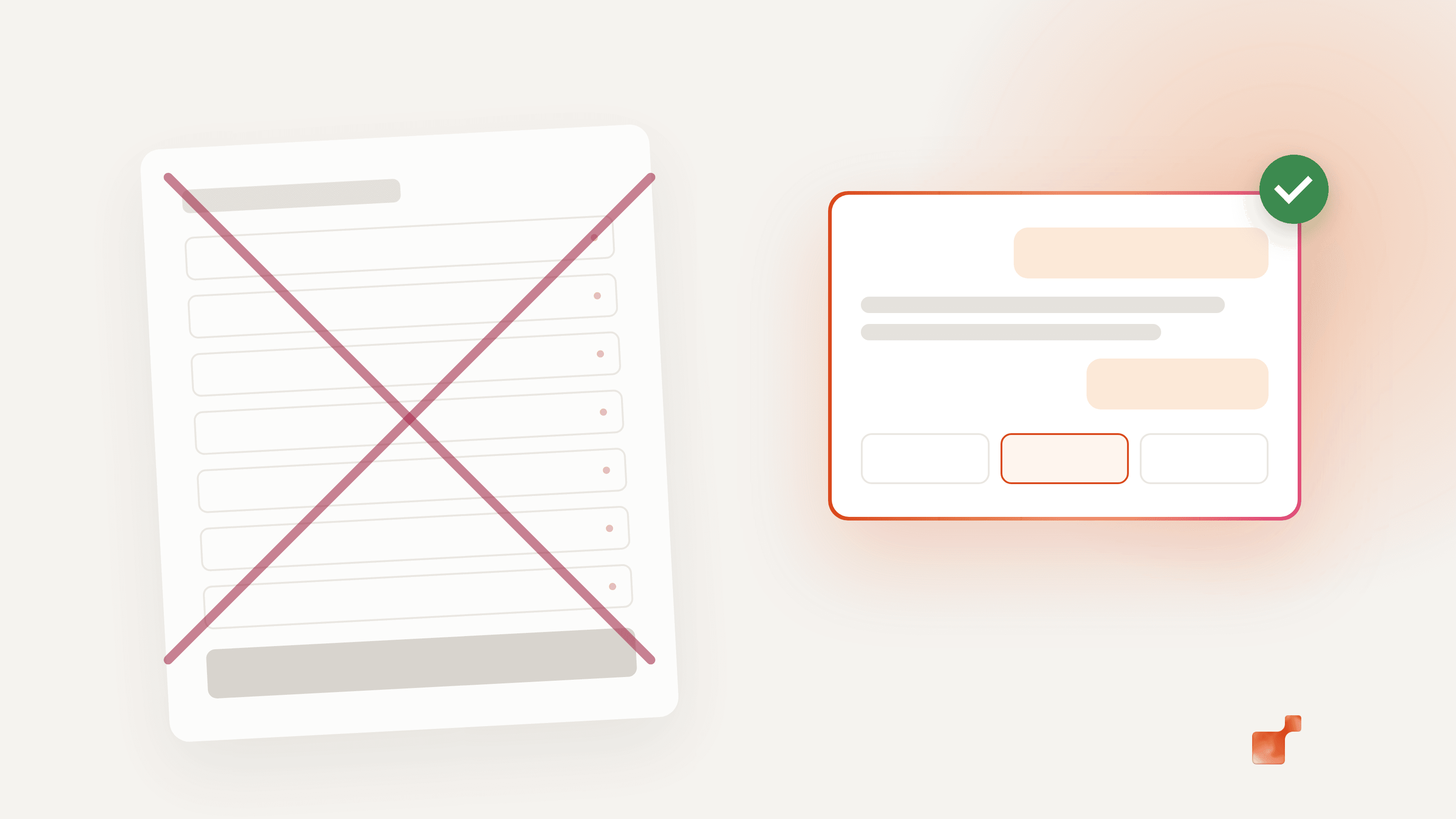
- The only way to ask is a form. Seven fields, a "Book a demo" button, and no idea what happens next.
- If they fill it in, they wait. On average, companies take 42 hours to respond to a web lead. (Harvard Business Review, 2011, 2,241 companies)
- You never find out what they wanted. Your analytics show a visit. Not the question.
Every one of these steps loses people. The 7 levers below fix them one by one.
The 7 levers to improve your website conversion rate
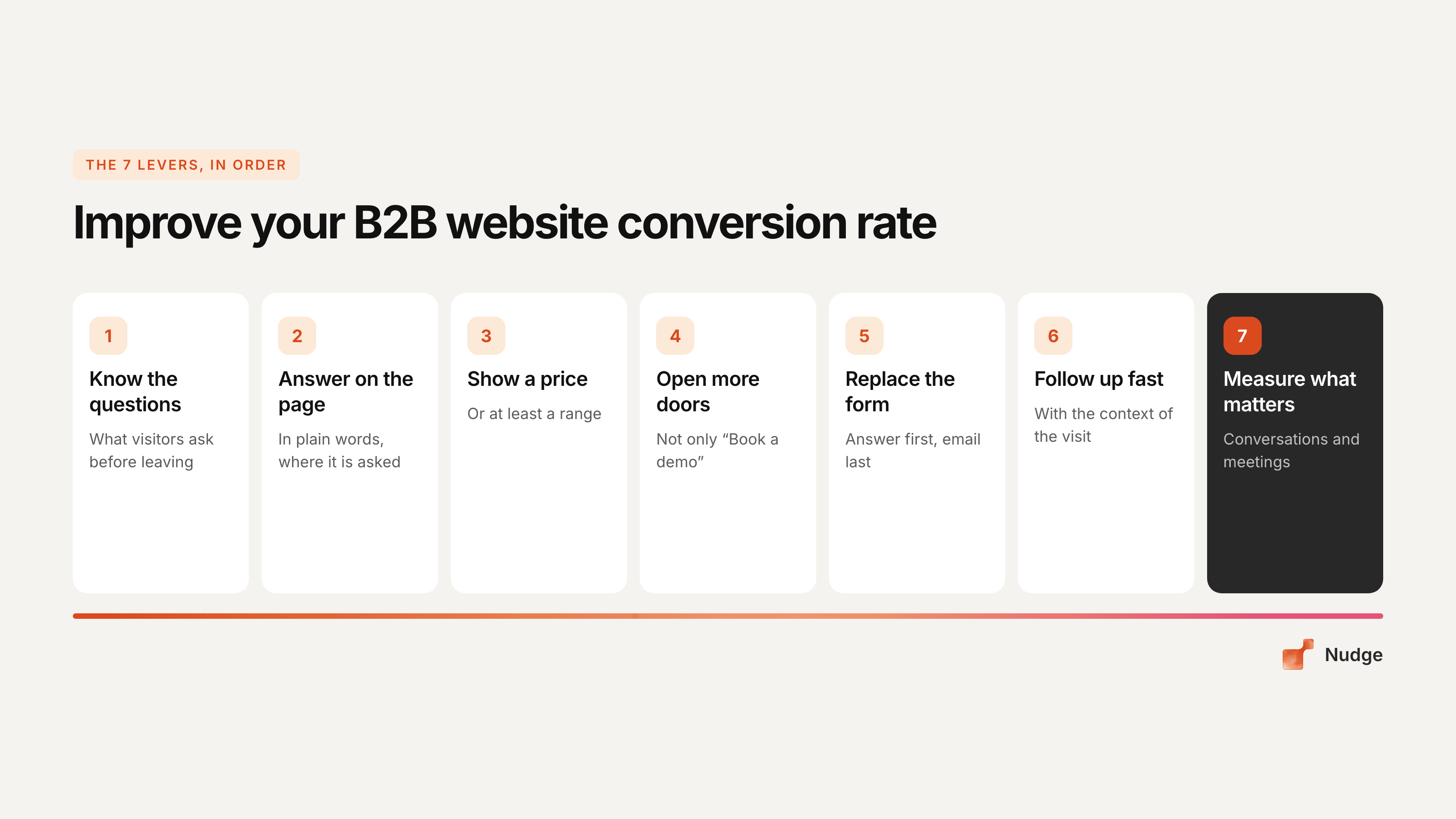
1. Find out what your visitors actually ask
You can't answer questions you don't know. Start with what you already have:
- Your sales calls. Write down the first three questions prospects ask on every discovery call. Those are the questions your website failed to answer.
- Google Search Console. The queries that bring people to your site, especially the long ones, are questions in disguise.
- Your support inbox and chat logs, if you have them.
You'll usually find the same 10 to 15 questions over and over. That list is your conversion roadmap.
2. Answer them on the page, in plain words
Once you have the list, answer each question where it is asked: on the pricing page, the product page, the integrations page. Not in a PDF, and not "on a call".
Keep the words simple. In Unbounce's SaaS data, pages written at a 5th to 7th grade reading level convert at 12.9%, against 2.1% for pages written at a professional level. (source)
3. Show a price, or at least a range
"Contact us for pricing" filters out the visitors who were closest to buying. They want to know if they're in the right ballpark before talking to anyone.
If your pricing really depends on the deal, say what it depends on (number of users, volume, options) and give a starting point or a range. That alone answers the question many visitors came with.
4. Open more than one door
"Book a demo" asks for the highest commitment possible. Many visitors aren't there yet. Give them options that match where they are:
- ask a question and get an answer right away;
- see the product without talking to anyone (a video, an interactive tour);
- pick a slot directly in a calendar, without filling in a form first.
5. Shorten the form, or replace it with a conversation
Every field you add is one more reason to leave. Ask only what your sales team really needs to prepare the call, and ask for it after you've given something back.
Better still: let the visitor ask their question, answer it, then offer the meeting. The email comes last, not first. We go into detail in why your demo request form is costing you meetings.
6. Follow up fast, with the context of the visit
When someone does leave their details, the clock starts. Responding within 5 minutes rather than 30 makes it 21 times more likely that you qualify the lead (Lead Response Management Study, MIT and InsideSales.com, 2007).
Speed is not enough, though. The follow-up should start from what they were looking for: the page they read, the question they asked. "Thanks for your interest" is not a follow-up.
7. Measure the right things
The form-fill rate is not your conversion rate. Track instead:
- how many visitors start a conversation (a question, a chat, a call);
- how many of those book a meeting;
- which questions come up most, page by page;
- which pages create meetings, not just traffic.
That tells you which of the six levers above to work on next.
Where an AI agent fits in
Levers 2, 4, 5 and 6 have one thing in common: someone has to answer visitors immediately, on every page, at any hour. No sales team can do that by hand.
That's the job we built the Nudge Website Agent for. It is trained on your own pages and documents, answers visitors in their language, cites the page its answer comes from, and says so when it doesn't know instead of making something up. When the visitor wants to talk to your team, it shows meeting slots inside the conversation and asks for the email last.
Whatever tool you use, the principle is the same: answer first, then ask.
A 30-day plan
- Week 1: list the 10 to 15 questions your visitors ask (sales calls, Search Console, inbox).
- Week 2: answer the top 5 on the pages where they come up. Add a price range if you don't have one.
- Week 3: add a second way in next to "Book a demo": a direct calendar, a question box or a conversational agent.
- Week 4: set up the right metrics (conversations, meetings, questions per page) and compare with the month before.
Then start again with the next 5 questions.
Frequently asked questions
What is a good conversion rate for a B2B website?
It depends on what you count. Unbounce puts the median SaaS landing page at 3.8% (2024). Ruler Analytics measures 5.13% on average across 13 industries and 7.6% for software (2026), counting forms, calls and live chat. Compare yourself with your own past numbers first, then with benchmarks that use the same definition.
Does more traffic fix a low conversion rate?
No. If the page can't answer a visitor's question, more visitors means more people leaving without a word. Fix what happens on the page first, then pay for traffic.
Should I remove my contact form?
Not necessarily. But it shouldn't be the only way in. A visitor with a question should get an answer and be able to book a meeting without filling in seven fields first.
How long before I see results?
Some changes, like showing a price range or adding direct booking, can show up in your numbers within a few weeks. Give each change at least one full sales cycle before judging it.