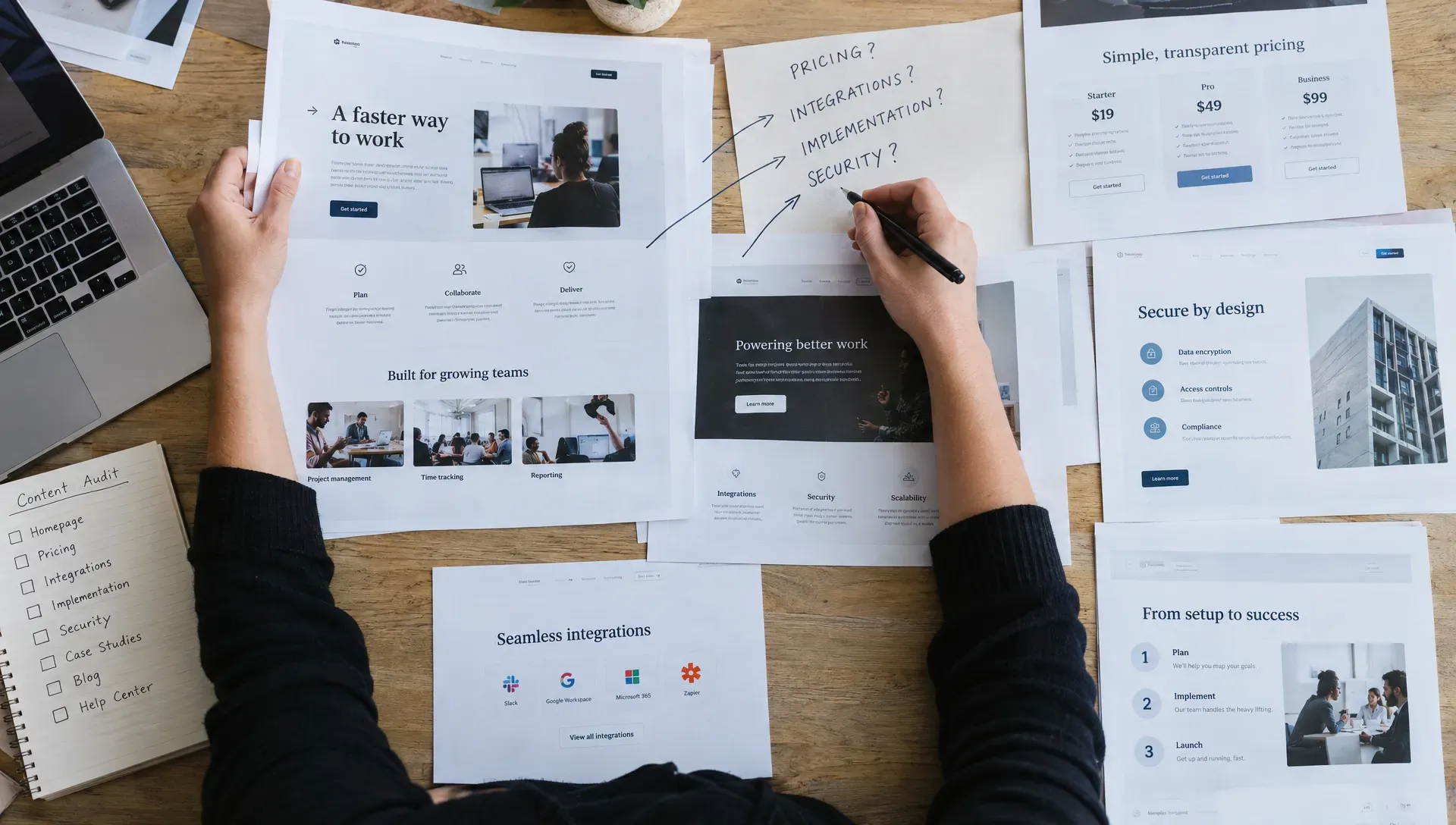
Automated sales follow-up feels personal when it continues an unfinished conversation, not when it inserts a first name into a scheduled email. A buyer who asked about CRM integration needs an answer about integration. Someone who missed a demo needs an easy way to reschedule, not another introductory pitch.
The setup requires more than an email sequence. You need reliable conversation context, clear sending conditions and rules that stop automation when a person should take over. Here’s how to build that workflow for a B2B sales team.
1. Start with one high-intent scenario
Choose one situation where the buyer has already shown interest and there’s an obvious next step. A useful starting point is a website visitor who shared their email, asked a product question and left without booking a meeting.
Define the outcome narrowly: resolve the unanswered question and make it easy to continue. Don’t make “send three emails” the objective. Sending is an activity, not evidence that the buyer received help.
Write a one-sentence workflow brief before touching your automation software:
When an eligible visitor leaves after asking an integration question without booking, send a relevant answer and offer a short conversation if they need help assessing fit.
Keep other situations separate. A missed meeting, an unanswered demo request and a returning prospect have different expectations. Combining them into one sequence makes the messages less relevant and the reporting harder to interpret.
2. What should automated sales follow-up remember?
Your workflow needs enough context to explain why this message is useful now. A name, company and lead score rarely provide that on their own.
Store structured fields in your CRM or connected workflow system. Use the conversation itself as the source of truth rather than asking AI to infer a buying problem from a job title.
- Field: Contact and eligibility — What to capture: Email address, suppression status and applicable consent or other legal basis — Why it matters: Determines whether outreach is appropriate
- Field: Conversation summary — What to capture: The buyer’s stated question and relevant constraints — Why it matters: Gives the message a meaningful starting point
- Field: Unresolved item — What to capture: The answer, resource or action still needed — Why it matters: Defines the purpose of the next touch
- Field: Verified source — What to capture: Approved documentation supporting the answer — Why it matters: Reduces unsupported product claims
- Field: Meeting and reply status — What to capture: Booking, cancellation, no-show or new response — Why it matters: Prevents messages that ignore recent activity
- Field: Owner and last contact — What to capture: Responsible rep and most recent outreach — Why it matters: Helps avoid duplicate communication
Separate facts from interpretations. “Asked whether Salesforce is supported” is a fact. “Ready to purchase this quarter” is not, unless the buyer said so.
Also distinguish “no question captured” from “no questions.” When context is missing, use a neutral acknowledgment or route the record for review. Don’t manufacture personalization.
3. Configure triggers and stop rules
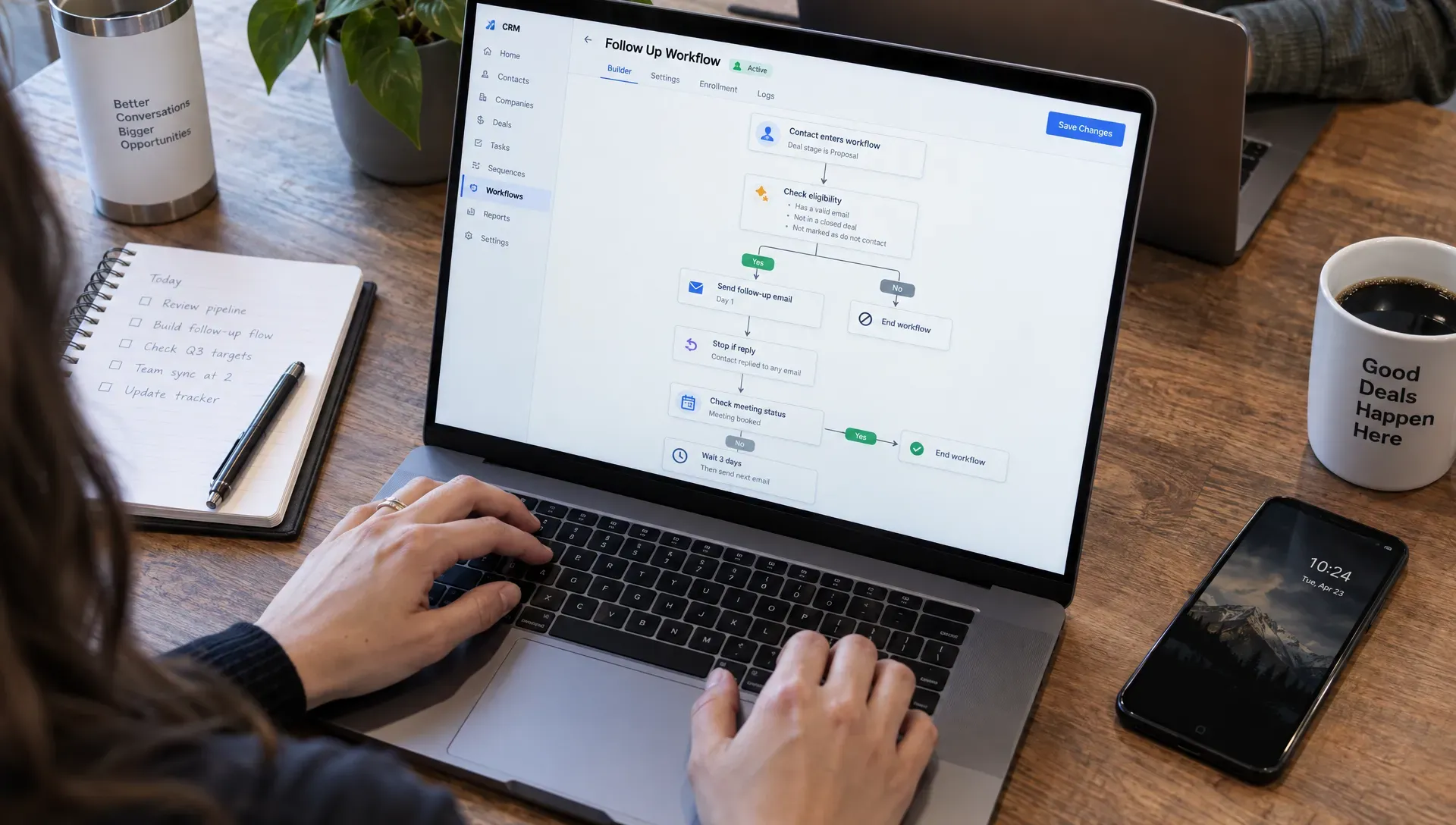
A reliable automated sales follow-up workflow checks eligibility immediately before sending, not just when someone first enters a sequence. A buyer may have booked a meeting or replied since the message was scheduled.
Configure the event that starts the workflow, the conditions required to send and the events that end it. The following is an illustrative setup, not a universal cadence:
- Situation: Website conversation ends — Entry condition: Identified, eligible contact with an unresolved question and no booking — Suggested starting action: Send a supported answer after a short activity buffer — Exit or handoff: Reply, booking, opt-out or owner intervention
- Situation: Demo is missed — Entry condition: Meeting system records a no-show and no replacement booking — Suggested starting action: Offer rescheduling after confirming the meeting status — Exit or handoff: Reply, rebooking or rep takeover
- Situation: Known prospect returns — Entry condition: Previously identified contact revisits a relevant page — Suggested starting action: Evaluate whether their earlier question warrants another touch — Exit or handoff: Active sales conversation or suppression
Treat a return visit as a signal to assess, not automatic permission to send. Nudge’s Outreach Agent follows up with returning visitors using their earlier conversation as context. This is different from identifying every anonymous visitor, and your workflow should preserve that distinction.
For each scheduled action, recheck the CRM, meeting status and suppression records as close to send time as your stack allows.
Prevent collisions across systems
Your automated sales follow-up should have a clear owner even when several tools contribute signals. Otherwise, a CRM sequence, website agent and sales rep can all contact the same person about the same issue.
Assign one system responsibility for executing each follow-up. Record the workflow state, last send and active owner in a shared location. Use an event identifier or equivalent deduplication control so a retried integration doesn’t create another email.
Replies should normally pause the sequence and create a review task. Out-of-office responses may need a separate path, but don’t let an uncertain classification trigger more messages. Stop on opt-out, suppress hard bounces and cancel pending touches when a rep takes ownership.
Before launch, authenticate your sending domain with SPF and DKIM, configure DMARC and check your provider’s requirements. For US commercial email, review the FTC’s CAN-SPAM compliance guide, including accurate sender information, a valid postal address and opt-out requirements. Other jurisdictions may impose additional requirements. B2B outreach is not a blanket exemption.
4. Write from the unresolved question
Good automated sales follow-up answers three questions for the recipient: Why are you contacting me? What useful information do you have? What can I do next?
Build the message around one verified detail and one next step. Avoid opening with a biography assembled from enrichment data. Knowing someone’s title doesn’t explain why they should reply.
These templates illustrate the structure. Replace bracketed fields only with verified information, and apply your required sender details and opt-out mechanism.
Example: A visitor leaves after asking a question
Subject: Your question about [integration]
Hi [first name],
You asked whether [product] can support [specific requirement]. [Brief answer supported by approved documentation.]
This guide covers [the relevant setup step or limitation]: [resource link].
If [remaining condition] matters for your evaluation, reply with that detail and we can help check it. If a conversation would be easier, here’s [booking link].
[Accurate sender identity]
The message earns its place by answering something. If you cannot verify the answer, say what needs checking and route the question to someone who can resolve it.
Example: A buyer misses a meeting
Subject: Rescheduling our conversation about [topic]
Hi [first name],
We didn’t get to connect for the scheduled conversation about [topic]. If it’s still useful, you can choose another time here: [booking link].
You mentioned [specific question] when booking. If that’s the only thing you need answered, reply here and we can start there instead.
[Accurate sender identity]
Don’t imply that a rep personally researched the account, read a document or attempted a call unless that happened. Personal communication depends on accuracy, not simulated effort.
5. Give each touch a purpose and a deadline
For automated sales follow-up, start with a short sequence you can explain to the buyer. Every touch should add something or clarify whether help is still wanted.
For the website-question scenario, an initial answer after a short inactivity buffer, a useful follow-up two business days later and a closing note five business days after that could be a starting test. These are configuration examples, not proven optimal intervals. Adjust them to the request, audience and observed results.
The first message addresses the question. The second can add a relevant implementation guide, clarify a limitation or ask for one missing requirement. The last should make it easy to close the conversation without pressure.
A suitable final note might say: “I’ll leave this here for now. If you revisit [requirement], reply to this thread and we can pick it up.”
Use the contact’s known time zone when available. If it isn’t known, choose a reasonable default rather than inventing precision. Explicit requests should override the standard cadence: someone who asks for information now shouldn’t wait for the next scheduled nurture window.
Set an expiration date for the workflow. An unresolved question from months ago shouldn’t remain an indefinite reason to keep contacting someone.
6. Set the human handoff before launch
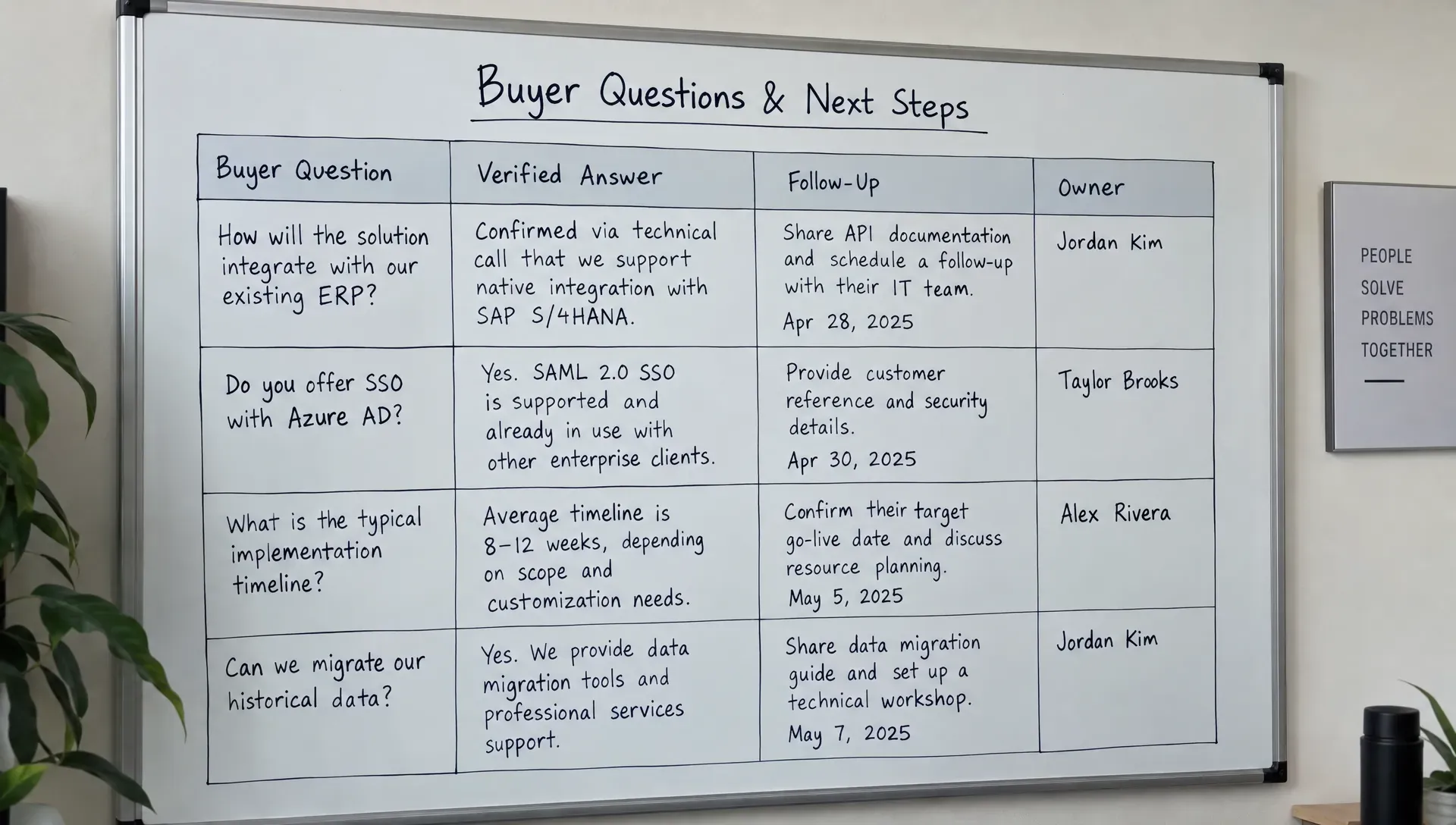
Automated sales follow-up should make ownership clearer, not leave the buyer between an inbox and a CRM queue. Decide who handles replies, how quickly they should review them and what information they receive.
Route straightforward scheduling requests to the appropriate booking process. Send pricing exceptions, security reviews, procurement questions and unsupported technical claims to a qualified person. Negative feedback or confusion about the message should also trigger review rather than another scheduled touch.
The handoff should contain the original question, a concise conversation summary, the messages already sent and any promises made. Include relevant source links so the rep can inspect the underlying information instead of trusting a summary blindly.
Give the owner a specific next action. “Confirm whether the requested deployment model is supported” is more useful than “Hot lead, follow up.” Avoid silently changing lead stages based on speculative AI interpretations.
For AI-generated drafts, define what the model may use: approved product content, recorded buyer statements and current CRM facts. Require review when those sources conflict or don’t support an answer. A natural-sounding message is still a bad message if it invents a feature, price or commitment.
7. Test the workflow before expanding it
Test automated sales follow-up with a small, reviewable group before opening it to every eligible lead. Start in draft-only mode if your tools support it, or use internal test contacts and manual review.
Inspect the complete journey, not just the email copy. A well-written message can still fail if it arrives after a booking or routes replies to an unmonitored address.
Use a focused launch checklist:
- Confirm that a reply pauses pending messages before the next send.
- Book a meeting after scheduling a follow-up and verify that the follow-up is canceled.
- Trigger the same event twice and check that only one message is created.
- Test missing context, stale CRM data, opt-outs and hard bounces.
- Confirm that every product claim has an approved supporting source.
- Check that replies reach the assigned owner with the conversation history.
Keep an audit trail of the trigger, eligibility decision, message version and final outcome. When someone reports an irrelevant message, you need to know whether the problem came from the data, the decision rule or the wording.
Measure useful conversations, not send volume
Track positive replies, qualified meetings booked and meetings held for the eligible group. Also monitor unsubscribes, bounces, duplicate sends and messages sent after a reply or booking.
Define a positive reply before measuring it. An out-of-office response and “please stop emailing me” should not count as successful engagement. Review reply content alongside aggregate numbers.
If volume allows, compare the workflow with a randomized holdout receiving your existing process. Use the same observation window and lead eligibility rules. Without a comparison group, an increase in bookings may reflect a change in lead quality rather than the workflow itself.
Frequently asked questions
How many touches should automated sales follow-up include? Use the fewest touches that can reasonably resolve the original request. Three messages can be a manageable starting test for an unanswered website conversation, but there is no universal best number. Stop earlier when the buyer replies, books, opts out or no longer meets the workflow’s conditions.
Should every message include a meeting link? No. If the buyer needs a factual answer, answer first. Include a booking option when a conversation would help, but don’t make a meeting the price of receiving basic information.
Can AI personalize messages without making things up? It can help when its inputs and boundaries are explicit. Give it recorded conversation context and approved sources. Require review for missing or conflicting information, and prohibit invented facts about the buyer or your product.
Is an automated email response the same as a follow-up workflow? No. An autoresponder acknowledges an event. A follow-up workflow also evaluates context, checks current status, chooses a relevant next action and stops when circumstances change.
Start with the conversation you already have
The practical starting point for automated sales follow-up is one buyer question, one useful response and one reliable stopping rule. Expand only after you can verify that the workflow respects all three.
For teams following up on website conversations, Nudge’s Nurturing Agent drafts context-aware follow-ups for visitors who leave without booking or miss a meeting. Use that context to continue the discussion rather than restart the pitch, then assess the workflow by the quality of the conversations it produces.