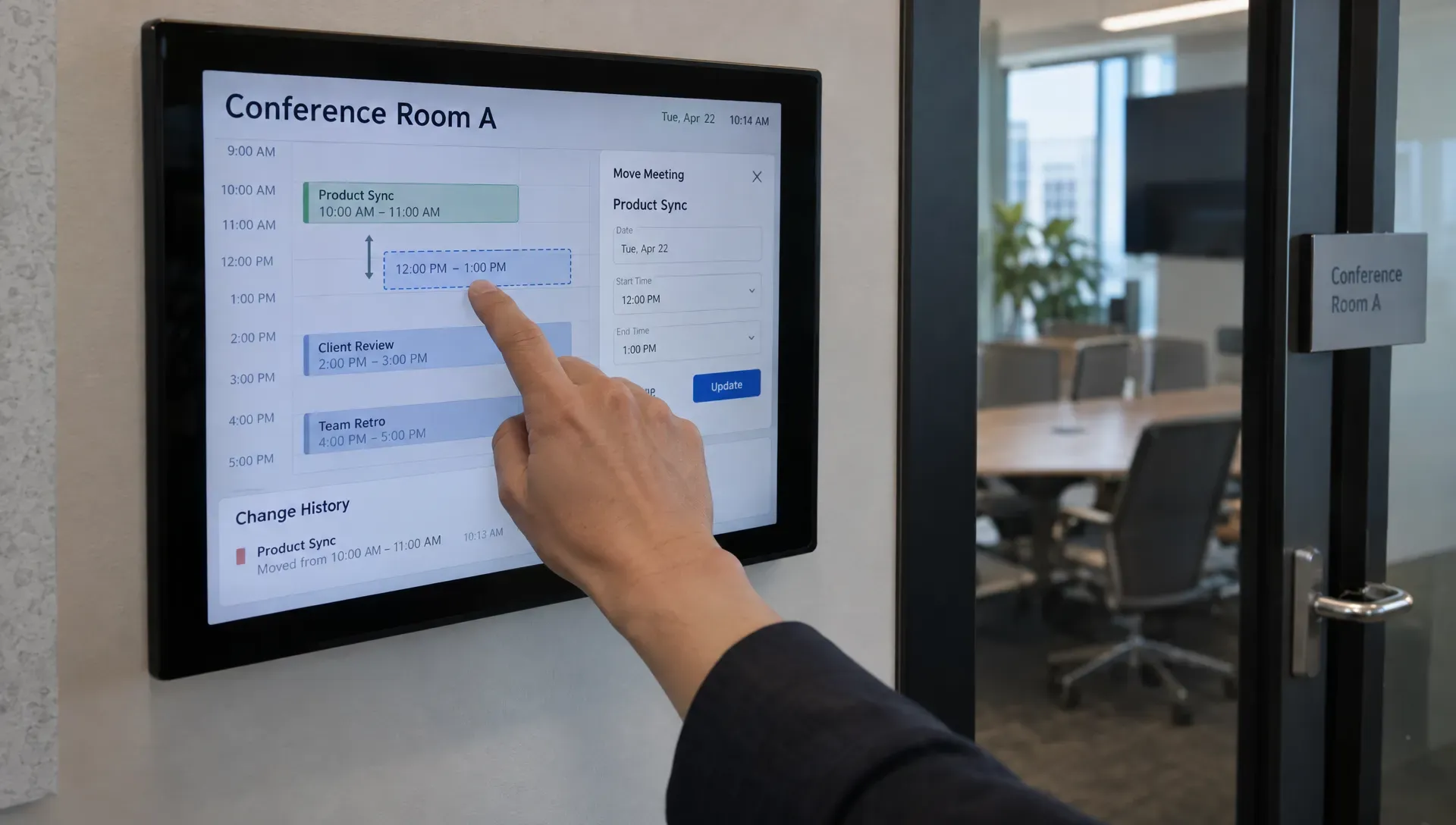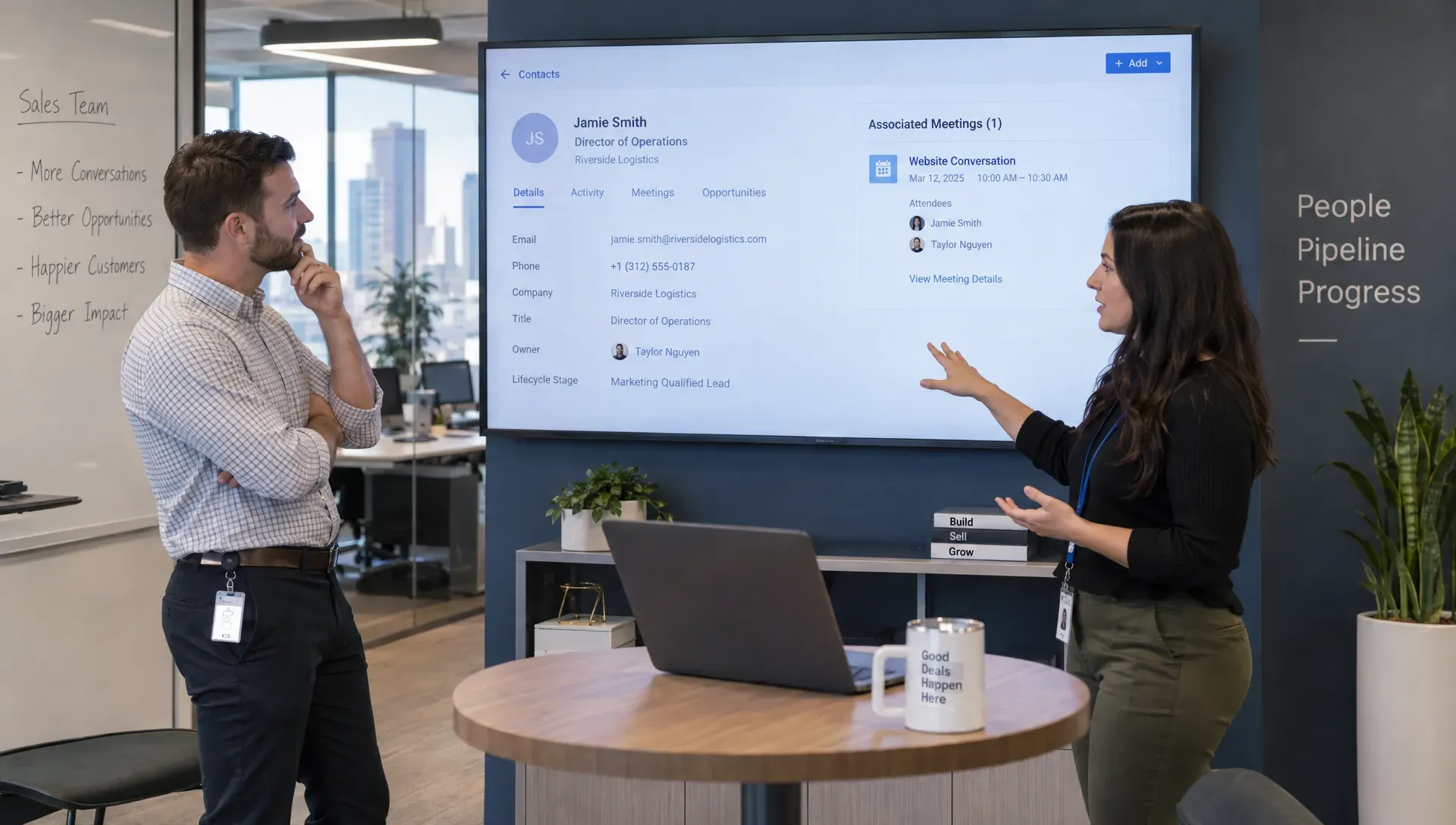
A meeting booking tool can show the right time slots and still send a qualified buyer to the wrong salesperson. For B2B teams with account ownership, regional territories, product specialists and shared SDR queues, scheduling is only the final step. The harder problem is deciding who should receive the meeting and preserving that decision when calendars, CRM records or team assignments change.
Choose software by testing your routing rules against realistic exceptions, not by comparing booking-page designs. This guide explains how to define those rules, assess integrations and run a pilot that exposes failures before buyers encounter them.
Start with a routing specification, not a feature list
Sales meeting scheduling differs from service appointments or meeting-room reservations. Your scarce resource is not just a calendar slot. It is access to a rep who owns the relationship, understands the product and can handle the buyer’s needs.
Write down the journey from visitor identification to completed meeting. Include the information available at each step, the system responsible for it and what happens when that information is missing. A meeting booking tool should support that workflow without requiring prospects to understand your internal organization.
A useful specification answers five questions:
- Identity: How will you match a visitor to a contact, account or open opportunity?
- Eligibility: Which reps can serve this account, territory, language and product?
- Precedence: Which rule wins when multiple assignments are possible?
- Availability: What happens when the preferred owner has no suitable slots?
- Recovery: Who receives the lead when matching, syncing or booking fails?
Keep qualification separate from assignment. A prospect may be qualified but belong with a different team. If an agency supplies leads, align its acceptance criteria with your routing policy. This Dutch-language guide to choosing a lead generation agency without costly mistakes provides relevant criteria around lead quality, sales fit and follow-up accountability.
Define the order in which routing rules apply
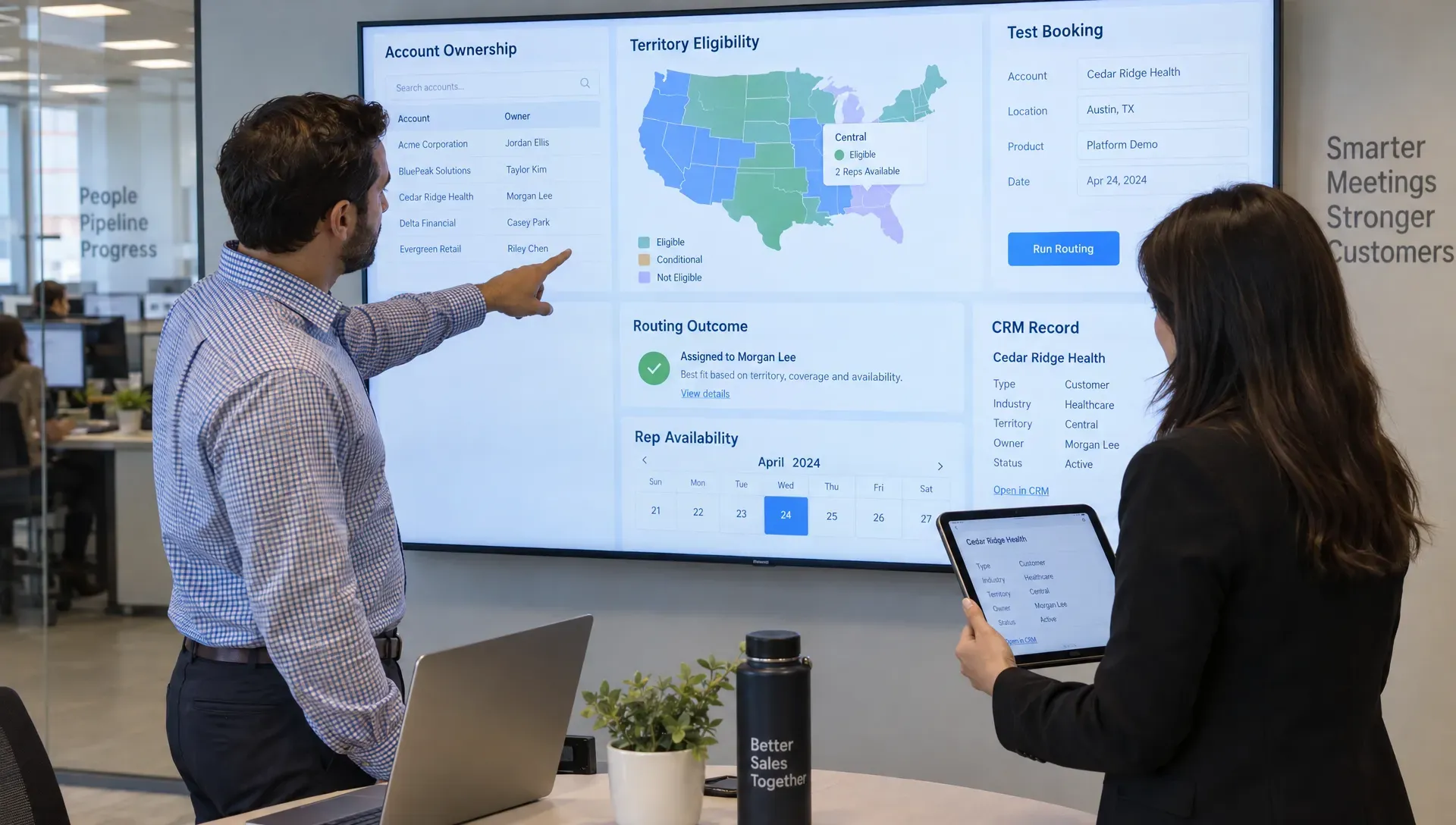
Resolve account ownership before distributing meetings
Start with an explicit hierarchy. An illustrative sequence might be: open-opportunity owner, existing-account owner, named-account assignment, territory team and then the general inbound queue. Your organization may need a different order, but conflicting rules cannot remain implicit.
Ask how the meeting booking tool resolves identity. Does it match only an email address, or can it use an account domain and CRM relationships? Test subsidiaries, shared domains, personal email addresses and duplicate contacts. Domain matching alone may not identify the correct buying entity.
Define what happens when the matched owner is inactive, on extended leave or outside the relevant business unit. Do not silently reassign an account because a calendar connection is broken. That is a technical failure, not necessarily a change in ownership.
Apply eligibility before round-robin assignment
Once ownership is resolved, filter the eligible pool by territory, language, segment, product expertise and any contractual restrictions. Only then should workload distribution determine the recipient.
“Round robin” needs clarification. It might mean equal turn-taking, weighted allocation or selection based on availability. These approaches can produce very different workloads when reps have unequal schedules or receive different numbers of direct bookings.
Require the meeting booking tool to demonstrate how it counts assignments, cancellations and reschedules. If canceled meetings restore a rep’s position in the rotation, confirm when that happens. Otherwise, an apparently fair queue can become difficult to explain.
Separate temporary coverage from permanent ownership
Coverage should not automatically rewrite account ownership. A colleague might take an introductory call during vacation while the original account executive remains responsible for the opportunity.
Specify whether coverage lasts for one meeting, a date range or the entire sales cycle. Also decide whether the buyer can choose a later slot with the owner instead of accepting the first available substitute.
Document these exceptions alongside standard rules. They often reveal whether the product supports your operating model or merely approximates it.
How should a meeting booking tool handle calendar conflicts?
Calendar sync is a starting requirement, not proof of reliable scheduling. Verify which connected calendars block availability, whether private event details remain hidden and how quickly changes affect offered slots. Also test recurring events, out-of-office blocks and daylight saving transitions.
Distinguish the meeting formats you need. A pooled booking selects one eligible person. A collective booking requires several people at once, such as an account executive and solutions engineer. A sequence of separate meetings introduces additional dependencies. Support for one format does not establish support for the others.
Check buffers, minimum notice, booking horizons and daily meeting caps. Ask whether limits apply per booking page, meeting type or rep. Separate pages should not accidentally bypass a workload limit intended to protect someone’s entire day.
Finally, inspect the buyer’s experience when no suitable time exists. A useful fallback might offer later dates, an approved coverage pool or a request for human scheduling. A dead-end calendar should not be the default outcome for a qualified account.
Inspect the CRM handoff as a transaction
Decide which system owns each field
A CRM logo on an integrations page tells you little about routing depth. Ask which objects and fields the integration reads, which it writes and whether those actions occur before or after slot selection.
The meeting booking tool should use the data your policy actually requires. That may include account owner, opportunity stage, territory or a custom product field. Verify custom-object support if your business depends on it rather than assuming that “CRM integration” includes every relationship.
Create a field-level contract for the handoff. Specify the meeting owner, contact association, account association, qualification answers, booking source and relevant conversation context. Decide which system wins when two systems update the same field.
Test partial failures and simultaneous requests
A calendar event, CRM activity and conferencing link may be created through separate operations. Ask what happens if only some succeed. The buyer should not receive a confirmed invitation for a meeting that has no valid owner or joining information.
Test simultaneous attempts to reserve the same slot. Ask how the vendor prevents duplicate bookings and whether retrying a failed request can create duplicate records. Technical teams may describe this as idempotency: repeating the same operation should not create another booking.
Require visible failure states, retry behavior and an operational alert. Someone should be able to see what failed and recover it without asking the prospect to start again. Rescheduling should preserve ownership and context unless an explicit rule changes them.
Compare plan limits and total operating cost
Evaluate the meeting booking tool on the plan you would actually purchase. Free and entry-level plans can be useful for testing individual scheduling, but verify whether they include routing forms, team assignment, CRM lookups, collective availability and administrative controls.
Ask vendors to demonstrate the required workflow in the quoted tier. A demo using premium features does not establish that the proposed contract includes them.
Build an annual cost model that includes licenses, routing or automation usage, integration work, implementation and ongoing administration. Check whether every potential recipient needs a paid seat, including specialists who join only occasional calls.
Also price organizational change. Who updates territories, removes departing reps and checks broken calendar connections? A cheaper subscription can require more maintenance if each team has separate rules and booking pages. Ask for a timed demonstration of changing a territory and safely reversing that change.
Assess privacy and accessibility before launch
Limit data collection and explain identification
Scheduling can combine personal information, company data and CRM relationships. For each field, record why it is needed, where it is stored and how long it remains available. Keep optional marketing preferences separate from information needed to arrange the requested meeting.
When assessing a meeting booking tool, review its data processing terms, subprocessors, deletion options and access controls. If returning-visitor identification affects routing, ask what identifiers it uses and how notice, consent or another applicable legal basis is handled. Requirements depend on jurisdiction and implementation.
Use the European Commission’s GDPR guidance as a starting point where relevant, then involve your privacy team. A vendor’s compliance statement does not settle your own obligations.
Test the booking flow without a mouse
Use a keyboard to select dates, change time zones, correct errors and confirm a booking. Check visible focus, meaningful field labels and whether errors explain how to recover. Test the embedded experience on a small mobile screen, not just the vendor’s standalone page.
The W3C Web Content Accessibility Guidelines provide a useful evaluation reference. Ask for documented accessibility information, but also test the actual configuration you intend to publish. Custom branding and embedded components can change the experience.
Score vendors against your operating requirements
Use a weighted scorecard after establishing nonnegotiable requirements. A vendor should not compensate for failing account ownership rules by scoring highly on page customization.
The following weights are an illustrative starting point, not an industry benchmark. Adjust them to reflect the cost of a misrouted meeting in your business.
- Evaluation area: Ownership and rule precedence — Example weight: 25% — Evidence to request: Live tests of conflicting assignments
- Evaluation area: CRM integrity and recovery — Example weight: 20% — Evidence to request: Field mapping, failure logs and retry behavior
- Evaluation area: Calendar reliability — Example weight: 15% — Evidence to request: Conflict, rescheduling and concurrency tests
- Evaluation area: Administration and auditability — Example weight: 15% — Evidence to request: Rule-change history and routing explanations
- Evaluation area: Buyer experience and accessibility — Example weight: 10% — Evidence to request: Mobile and keyboard booking tests
- Evaluation area: Privacy and security controls — Example weight: 10% — Evidence to request: Contractual documentation and access controls
- Evaluation area: Total operating cost — Example weight: 5% — Evidence to request: Quote for the complete required workflow
Score each area from zero to five using observed evidence. A meeting booking tool earns a stronger score when your team can reproduce the result, not simply when a salesperson says the feature exists.
For mandatory requirements, use pass or fail. Keep unresolved questions visible rather than assigning an optimistic score. Record which plan, integration configuration and assumptions produced each result so the comparison remains meaningful.
Run acceptance tests using difficult leads
Prepare a test dataset with fictional contacts and accounts. Include the exceptions that create support tickets today, not just a clean new lead with complete information.
Use this matrix as a starting point and write the expected outcome before the demonstration.
- Test case: Existing account with an open opportunity — Expected behavior: Follow the agreed ownership precedence
- Test case: Two CRM contacts share an email address — Expected behavior: Apply a defined resolution policy or request review
- Test case: Named account conflicts with geographic territory — Expected behavior: Apply the documented winning rule
- Test case: Account owner is unavailable — Expected behavior: Offer approved coverage or a clear alternative
- Test case: Product requires a specialist — Expected behavior: Include an eligible specialist when required
- Test case: Two buyers request the same slot — Expected behavior: Prevent conflicting confirmed reservations
- Test case: CRM write fails after calendar creation — Expected behavior: Surface the failure and support safe recovery
- Test case: Buyer reschedules or cancels — Expected behavior: Update associated records without creating duplicates
- Test case: Territory changes during an active booking session — Expected behavior: Follow a defined policy and retain an explanation
For every test, capture the selected rep, rule applied, fields read, records written and message shown to the buyer. The meeting booking tool should make the decision explainable to a sales operations administrator, even if the underlying logic spans several systems.
Ask vendors to repeat a test after changing a rule. This reveals whether configuration is understandable and whether changes create unintended consequences elsewhere. Save the results as regression tests for future territory or team updates.
Pilot one workflow and measure routing quality
Start with one segment or region, but include enough exceptions to test the real workflow. Establish a baseline from your existing process and agree on rollback conditions before sending production traffic.
Measure more than completed bookings. Useful metrics include correct-owner rate, manual reassignment rate, booking completion rate, qualified meetings held and time spent repairing failed handoffs. Define each denominator so teams do not report incompatible numbers.
For example, calculate correct-owner rate as confirmed meetings assigned to the policy-approved recipient divided by all confirmed meetings reviewed. Keep intentional coverage assignments separate from genuine errors.
A meeting booking tool should improve the operational result, not merely create more calendar events. Review a sample of meeting outcomes with sales reps to identify missing context or mismatched expectations. Segment results by existing accounts, new prospects and fallback routes.
Prospects who cannot or should not book immediately still need an appropriate next step. Build that path separately using B2B lead nurturing based on buyer needs and timing, rather than treating every unbooked visit as a routing failure.
Where conversational qualification fits
Complex routing works better when the necessary information is available before the assignment decision. A conversation can clarify a buyer’s product interest or use case, while CRM data establishes ownership. Keep those roles distinct: a visitor’s answer should not casually overwrite an existing account relationship.
Nudge supports AI website conversations, automated meeting booking, personalized follow-ups, returning-visitor identification and sales preparation briefs. Its CRM integrations and content-based answers with citations are relevant when evaluating how buyer context reaches sales.
Treat advanced routing requirements as capabilities to validate, not assumptions. If you are considering Nudge alongside another meeting booking tool, ask how the proposed setup handles your ownership hierarchy, exceptions and failure recovery. Require the same acceptance tests regardless of whether scheduling happens through a form or a conversation.
For the visitor-facing side of the workflow, review how to help qualified visitors book a meeting on your site without making them navigate your internal sales structure.
Frequently asked questions
Is round-robin scheduling enough for complex lead routing? Only when every person in the pool is eligible for every lead. Account ownership, territory restrictions and specialist requirements usually need to be resolved before distribution.
Should the CRM or scheduler control ownership? Establish one authoritative source for each ownership field. The scheduler can use that data to assign meetings, but any write-back or reassignment should follow an explicit policy.
Can a free meeting booking tool handle a sales team? Possibly, if the workflow is simple. Verify team routing, CRM access, calendar connections and administration limits in the actual free plan before relying on it.
What should happen when the account owner has no availability? Follow a documented fallback: later dates, approved temporary coverage or human scheduling assistance. Do not let a technical calendar issue silently change permanent ownership.
Bring your routing rules to the evaluation
Before requesting a demo, prepare your rule hierarchy, field mappings and exception tests. If website conversations are part of your workflow, explore Nudge and use those requirements to evaluate the complete path from buyer question to correctly assigned meeting.