A HubSpot integration for website conversations should do more than move an email address into your CRM. It should preserve what the visitor asked, match the right record and give sales enough context to continue the conversation. If it also books meetings or triggers follow-ups, mistakes can reach buyers before anyone notices.
Before connecting an app, evaluate the complete handoff: what gets captured, where it lands, what can change and how you recover when something fails.
Start with the sales handoff, not the app listing
Define one successful journey before comparing connectors. For example, an existing prospect visits your security page, asks about data residency and books a meeting. The account owner should receive the question, the relevant answer and the meeting details without getting a duplicate contact or losing an existing ownership assignment.
Turn that journey into acceptance criteria. Specify which record receives the conversation, who owns the next action and what should happen if the visitor already has an open deal. Decide whether an anonymous question should create anything in HubSpot at all.
The destination matters as much as the transfer. A transcript buried in an unfamiliar property may technically be synced but remain invisible to the rep. Design the handoff around how your team actually prepares for sales meetings using website conversation data.
Define the HubSpot integration data contract
Ask the vendor to show its field mapping and supported records. “Syncs with HubSpot” does not tell you whether it creates contacts, attaches activities, updates properties or reads existing CRM context.
Use a mapping worksheet like this during evaluation:
- Conversation data: Verified email and name — Destination to verify: Contact properties — Rule to agree on: Update the matching contact before creating another
- Conversation data: Company information — Destination to verify: Company properties and associations — Rule to agree on: Do not associate an account solely from an ambiguous domain
- Conversation data: Visitor question and answer — Destination to verify: Supported activity, note or linked conversation — Rule to agree on: Preserve readable context and timestamps
- Conversation data: Qualification responses — Destination to verify: Defined contact or deal properties — Rule to agree on: Separate explicit answers from AI inferences
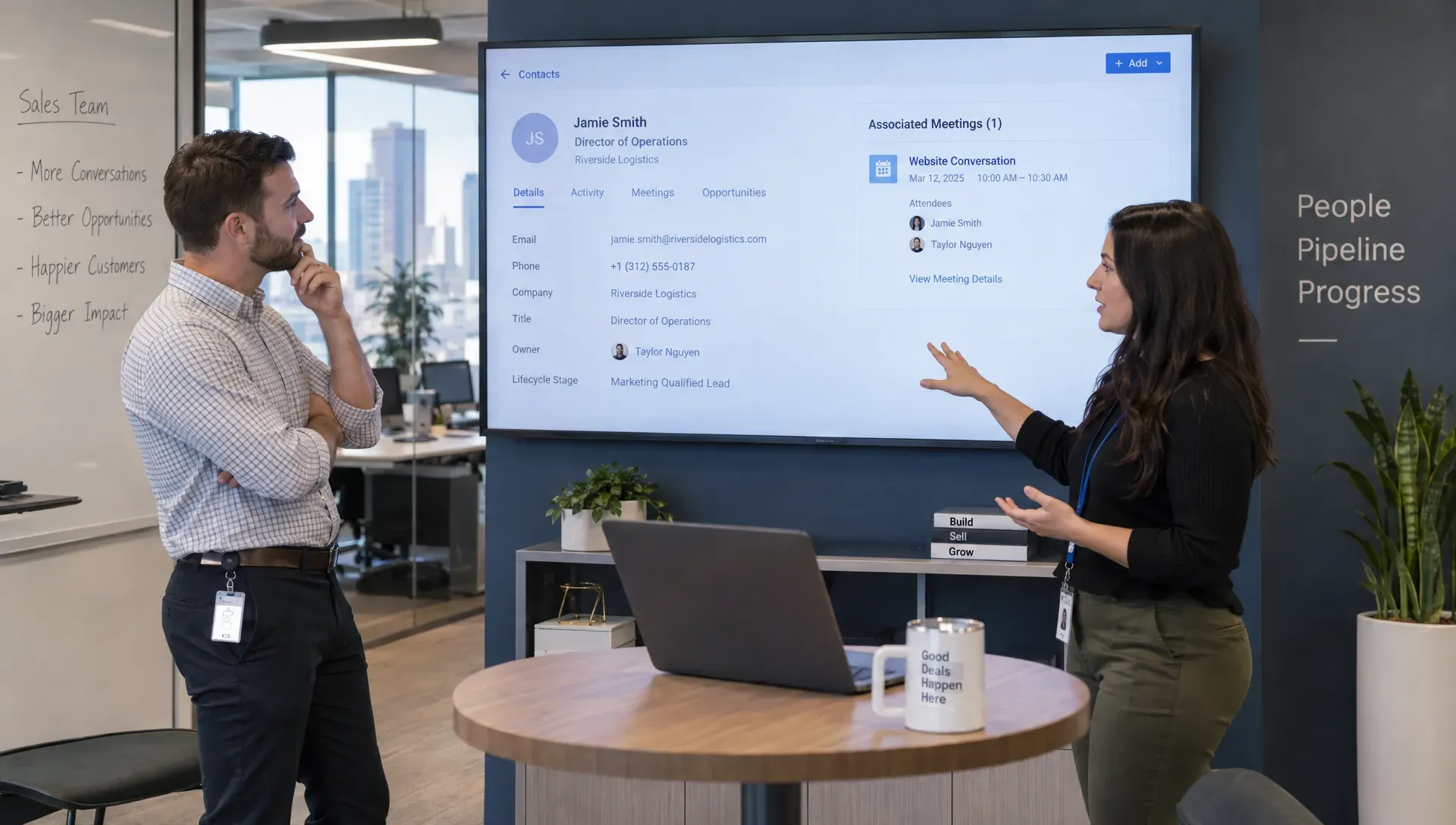
- Conversation data: Meeting details — Destination to verify: Supported meeting record or activity — Rule to agree on: Associate the correct attendees and owner
- Conversation data: Source page and cited content — Destination to verify: Supported properties or activity content — Rule to agree on: Preserve conversation context without overwriting acquisition data
These are requirements to verify, not capabilities every connector provides. Ask which destinations are supported directly, which need configuration and which require additional tooling.
Check sync direction separately for every data type. A HubSpot integration might read contact ownership while only writing conversation summaries. That is not the same as bidirectional synchronization across all fields.
Establish which system owns each field
For every mapped property, define a source of truth and an overwrite rule. Should a visitor’s new job title replace a sales-verified title? Can an inferred company size overwrite a manually maintained value?
Protect fields with operational consequences, including contact owner, lifecycle stage and deal stage. An exploratory website question should not automatically reopen a closed opportunity or assign an existing customer to a new-business sequence.
Also ask how blank values, conflicting updates and deleted records are handled. A connector that replaces a populated field with an empty value can cause more damage than one that fails visibly. Record these decisions before enabling writes.
Compare native connections, automation platforms and custom APIs
Choose the connection method based on the workflow you need to maintain, not simply the fastest installation.
- Approach: Vendor-built or marketplace app — Technical effort: Usually lower initial effort — Maintenance to plan for: Authentication, mapping changes and vendor updates — Best fit: Standard workflows supported by the connector
- Approach: Automation platform — Technical effort: Low to moderate, depending on branching — Maintenance to plan for: Workflow failures, task usage and changes across connected services — Best fit: Workflows spanning several applications
- Approach: Custom API connection — Technical effort: Higher engineering involvement — Maintenance to plan for: API changes, retries, monitoring and security reviews — Best fit: Requirements packaged connectors cannot meet
A marketplace listing does not establish that every required object, association or sync direction is supported. Ask for documentation and a demonstration of your actual workflow.
HubSpot provides APIs for building custom connections, documented in its developer documentation. Custom work can offer more control, but your team must own its reliability.
For any HubSpot integration, confirm subscription requirements on both sides. Features involving workflows, particular records or testing environments may depend on the products and plans in use. Request a written list of prerequisites rather than discovering them during implementation.
Check identity, permissions and consent
Match contacts without guessing
Email can help match an identified visitor, but it does not solve every identity problem. Test shared addresses, personal email addresses, changed employers and people who switch devices.
Ask what happens when an anonymous visitor later identifies themselves. Can the system associate earlier conversation context appropriately? What evidence supports that association? Do not assume a returning browser is a verified person.
After a record is matched, a persistent record ID can help subsequent updates reach the same destination. Duplicate prevention should also cover retries: submitting the same event twice must not create two contacts or two meetings.
Review access before authorization
Check the requested permissions against the documented workflow. Reading contact ownership and writing conversation notes do not automatically justify broad access to unrelated CRM data.
A HubSpot integration should have a named administrator, a documented authentication method and a clear process for revoking access. Review where credentials are stored and who can inspect conversation content or integration logs.
Keep consent signals separate. A visitor asking a product question or booking a meeting has not necessarily opted into marketing. Confirm how subscription status, communication preferences and deletion requests are handled under your organization’s policies.
Preserve source context without inventing buying intent
Store the page URL, the visitor’s actual question and any answer citations when the connection supports them. Clearly distinguish visitor statements from generated summaries, inferred intent and enrichment data.
A comparison page alone is weak evidence of readiness to buy. Someone reading about where to buy an engagement ring in New Zealand may be researching certification or resizing rather than requesting an appointment. Likewise, a B2B visitor comparing vendors may be gathering information for a colleague.
That distinction matters when conversation data triggers sales actions. Preserve the evidence behind a qualification label so a rep can judge whether the next step is a meeting invitation, a useful answer or no outreach.
Test real scenarios before enabling automation
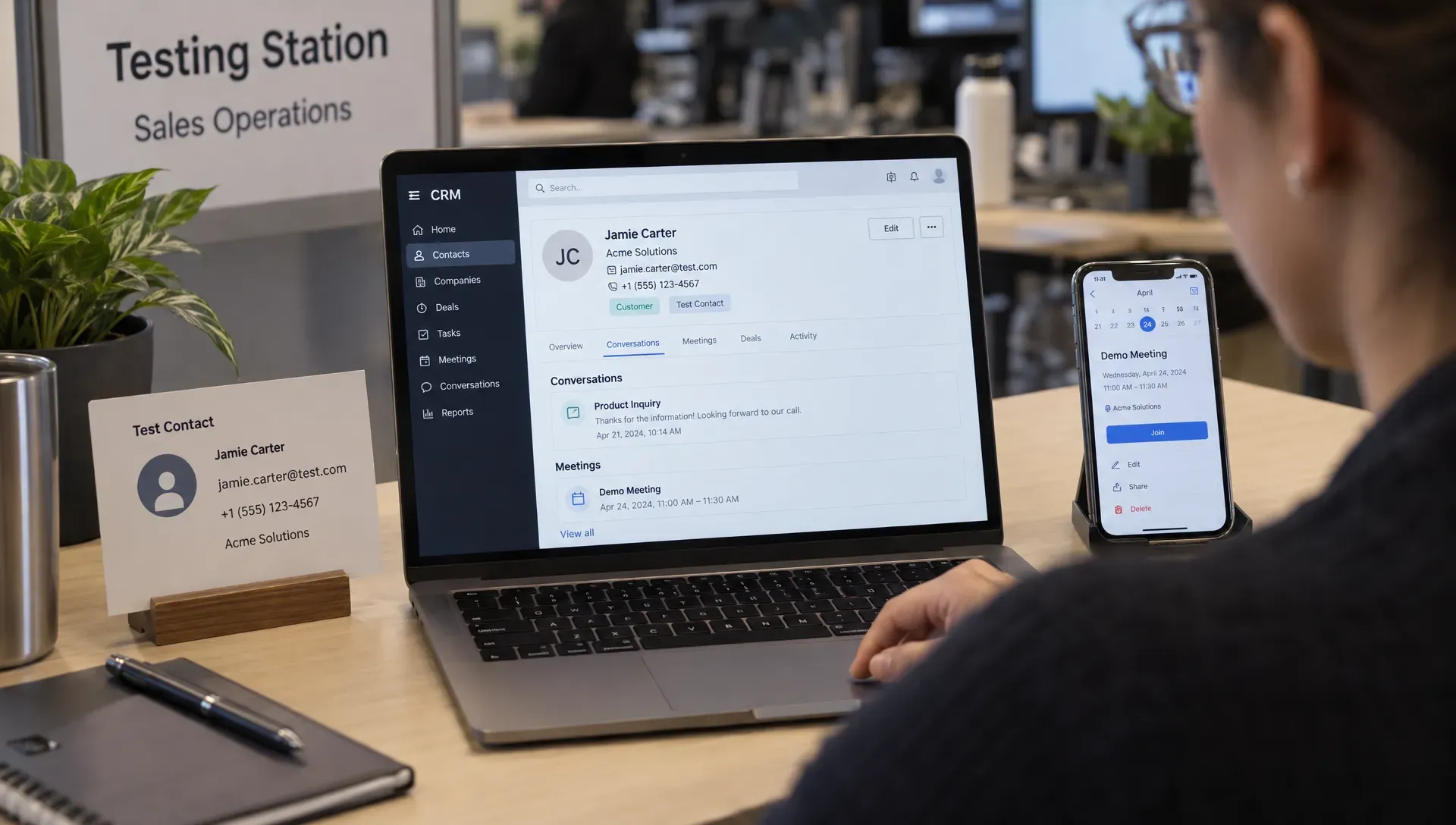
Use a sandbox or test account if available. Otherwise, isolate clearly labeled test records and prevent them from entering production outreach. Begin with the smallest useful set of permissions and writes.
Ask the vendor to demonstrate these scenarios rather than only showing a successful new-lead submission:
- New identified visitor: One contact is created with the correct source context, conversation and ownership rules.
- Existing contact: The conversation reaches the existing record without overwriting protected properties or creating a duplicate.
- Existing customer or open opportunity: Routing respects the current relationship rather than starting an unrelated prospecting workflow.
- Repeated event: Sending the same conversation or booking event twice produces one intended outcome.
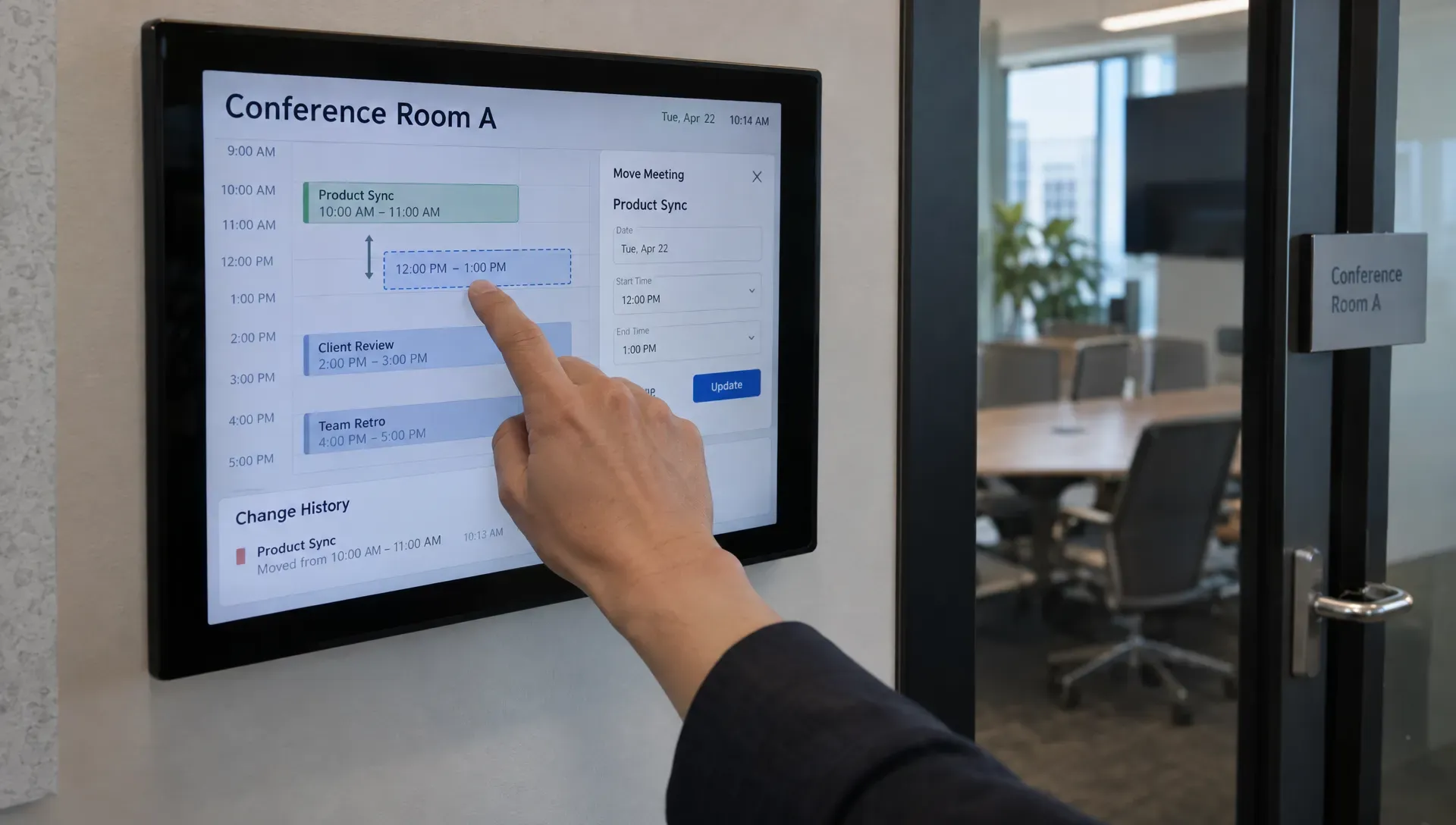
- Booking change: A rescheduled or canceled meeting updates the relevant records and does not leave contradictory activities.
- Temporary failure: A simulated connection error produces an observable failure, a controlled retry and no duplicated action.
- Consent restriction: A conversation does not activate marketing or sales outreach that your policies prohibit.
For each test, inspect both systems. Compare property values, activity associations, timestamps and the information visible to the assigned rep.
Your HubSpot integration also needs to preserve the context behind follow-up messages. If you plan to automate sales follow-up that feels personal, verify that the message uses the visitor’s question and stops or changes appropriately after a reply or booking.
Verify booking, attribution and timing separately
A meeting appearing on a calendar does not prove the CRM handoff worked. Check attendees, time zones, ownership and contact associations. Establish which system is responsible for reminders and follow-ups to avoid sending them twice.
Separate conversation attribution from acquisition attribution. A visitor’s latest conversation page should not silently replace the original source of the relationship.
Finally, measure actual delivery time during testing. “Real time” needs an operational definition. A delay that is acceptable for reporting may be unacceptable when a meeting starts shortly after booking.
Make failures visible and recoverable
A successful installation is not a monitoring plan. Decide who receives alerts, where failed events can be inspected and how someone determines whether recovery worked.
Useful monitoring should distinguish authentication problems, invalid property values, missing permissions, rate limits and temporary service errors. These failures need different responses. Repeatedly retrying a rejected field value will not fix the mapping.
Ask whether retries are idempotent, meaning that repeating an operation does not create additional unintended records or actions. Confirm that a replay after an outage preserves event order where that order matters, such as booking followed by cancellation.
At an agreed interval, reconcile source events against destination records. Count conversations that should have synced, compare successful deliveries and investigate gaps. Do not rely solely on a green connection indicator.
For a HubSpot integration, operational ownership should be explicit: the vendor may maintain the connector, but your team still needs someone responsible for mappings, alerts and business rules.
Plan a safe disconnection
Document the exit process before launch. Identify which workflows, credentials, external copies and historical records depend on the connection.
When disconnecting, first pause dependent automations and account for queued events. Export any context you need to retain, then revoke authorization and verify that scheduled jobs have stopped.
Do not assume disconnection deletes previously copied data or that it preserves every linked transcript. A CRM note might remain while its external conversation link becomes inaccessible. Test this behavior and document retention and deletion responsibilities on both sides.
Frequently asked questions
What does a website conversation integration with HubSpot do? Depending on the connector, it can create or update CRM records, attach conversation context, read existing ownership and pass meeting information. Verify each capability separately because integrations differ in supported records, fields and sync direction.
Does a native connection always sync both ways? No. Native describes how the connection is provided, not its synchronization behavior. Ask which information is read, written or updated in each direction, including whether later changes and deletions propagate.
When do you need a custom HubSpot integration? Consider custom development when available connectors cannot support essential associations, field rules, identity requirements or recovery controls. First check whether configuration can meet the need, then assess the ongoing engineering and security responsibilities.
What should block a production launch? Unresolved duplicate creation, unsafe overwrites, missing conversation context, unauthorized outreach or failures nobody can detect should block launch. A successful happy-path demonstration is not enough to establish reliability.
Evaluate the conversation and the connection together
Nudge supports B2B website conversations, content-based answers with citations, meeting booking, personalized follow-ups and sales preparation briefs, alongside CRM integrations.
If you are evaluating Nudge for a HubSpot-based sales workflow, bring this checklist to the discussion and request a demonstration of the exact connection and mappings available for your setup. Start with one new visitor, one existing contact and one failed event. The useful proof is what reaches the rep, what stays protected and what happens when the connection needs attention.